
SQL Server Integration Services (SSIS) has been the backbone of Microsoft-centric ETL for over two decades. From data warehousing to operational data movement, SSIS packages power critical business processes at thousands of enterprises worldwide. But the world has moved to the cloud, and SSIS—with its tight coupling to SQL Server, Windows-only execution, and Visual Studio-based development—is increasingly at odds with modern data architecture. This guide covers the full landscape of SSIS package migration: architecture, component mapping, key challenges, and the automation strategies that make large-scale migration practical.
Why Organizations Are Migrating Off SSIS
Microsoft’s own strategic direction tells the story. Azure Data Factory (ADF) is the cloud-native successor to SSIS within the Microsoft ecosystem. While ADF offers an SSIS Integration Runtime for “lift and shift” scenarios, this is widely understood to be a transitional bridge, not a long-term solution. The runtime adds cost, complexity, and operational overhead without delivering the benefits of cloud-native architecture.
But many organizations are looking beyond Microsoft entirely. The reasons are compelling:
- Platform lock-in: SSIS runs only on Windows, requires SQL Server licensing, and is developed in Visual Studio. Moving to Databricks, Snowflake, or GCP means leaving all of this behind.
- Scale limitations: SSIS processes data through an in-memory pipeline on a single server. There is no native distribution or parallelism across nodes. For multi-terabyte datasets, this is a hard ceiling.
- Development velocity: SSIS packages are binary XML files edited in a GUI. There is no meaningful diff, no code review workflow, and limited version control support compared to code-based pipelines.
- Talent availability: The pool of engineers skilled in SSIS is shrinking. New data engineers learn Python, Spark, and dbt—not the SSIS toolbox.
- Cost: SQL Server Enterprise licensing, Windows Server infrastructure, and the operational cost of maintaining SSIS catalogs and job agents add up quickly.

SSIS to Apache PySpark migration — automated end-to-end by MigryX
SSIS Architecture: What Lives Inside a .dtsx Package
An SSIS package is stored as a .dtsx file—a large XML document that encodes the complete pipeline definition. Understanding its structure is essential for migration planning.
Control Flow
The control flow is the top-level orchestration layer. It contains tasks connected by precedence constraints (success, failure, completion, or expression-based). The most common control flow tasks include:
- Execute SQL Task: Runs a SQL statement against a connection. Used for DDL, DML, stored procedures, and variable assignment.
- Data Flow Task: The workhorse—an embedded sub-pipeline that moves and transforms data. This is where the real complexity lives.
- ForEach Loop Container: Iterates over a collection (files in a directory, rows in a result set, items in a variable) and executes contained tasks for each item.
- For Loop Container: Executes contained tasks in a counter-based loop.
- Script Task: Runs custom C# or VB.NET code. Often used for file operations, API calls, or complex logic that SSIS components cannot express.
- Execute Package Task: Calls another SSIS package, creating parent-child relationships between packages.
- Send Mail Task, File System Task, FTP Task: Utility tasks for notifications, file operations, and data transfer.
Data Flow
The data flow is a directed graph of sources, transformations, and destinations. Data moves through the pipeline as an in-memory buffer of rows and columns. Each component reads from its input buffer, processes the data, and writes to its output buffer. Key data flow components include:
- OLE DB Source / ADO.NET Source: Reads data from relational databases.
- Flat File Source: Reads delimited or fixed-width text files.
- Derived Column: Adds computed columns using SSIS expressions.
- Lookup: Enriches rows by joining with a reference dataset (full cache, partial cache, or no cache).
- Conditional Split: Routes rows to different outputs based on conditions (like a multi-way
CASE WHEN). - Aggregate: Performs group-by aggregations.
- Sort: Orders rows by specified columns.
- Merge Join: Joins two sorted inputs.
- Union All: Combines multiple inputs into a single output.
- OLE DB Destination / Flat File Destination: Writes data to databases or files.
Connection Managers
SSIS packages reference external systems through connection managers. Each connection manager stores a connection string, authentication method, and provider type. These are defined at the package level and referenced by ID within tasks and components.
Variables and Expressions
SSIS packages use variables (scoped to the package or a container) and a proprietary expression language for dynamic behavior. Expressions can appear in precedence constraints, property overrides, derived columns, and conditional splits. The SSIS expression language is distinct from T-SQL—it uses functions like SUBSTRING, REPLACE, LEN, (DT_STR) casts, and ? ternary operators.
Package Configurations
Environment-specific values (connection strings, file paths, variable defaults) are externalized through package configurations. These can be stored in XML files, SQL Server tables, environment variables, or the SSIS catalog. During migration, these configurations must be mapped to the target platform’s configuration mechanism (Airflow variables, dbt profiles, Spark config).
MigryX: Purpose-Built Parsers for Every Legacy Technology
MigryX does not rely on generic text matching or regex-based parsing. For every supported legacy technology, MigryX has built a dedicated Abstract Syntax Tree (AST) parser that understands the full grammar and semantics of that platform. This means MigryX captures not just what the code does, but why — understanding implicit behaviors, default settings, and platform-specific quirks that generic tools miss entirely.
Component Mapping: SSIS to Modern Equivalents
| SSIS Component | Modern Equivalent | Notes |
|---|---|---|
| Execute SQL Task | SQL statement in Snowflake / Databricks SQL | Direct translation; parameterized queries need variable resolution |
| Data Flow Task | PySpark job or dbt model | The data flow’s component graph becomes a DataFrame pipeline or SQL CTE chain |
| ForEach Loop Container | Airflow dynamic task mapping or parameterized run | File-based iteration maps to directory listing + loop |
| Script Task (C#/VB.NET) | Python function | Most complex; requires manual rewrite of .NET logic |
| Connection Managers | Airflow connections or Spark config | Connection strings and credentials map to target platform secrets |
| Package Parameters | Environment variables or config files | Parameter values become deployment-specific configuration |
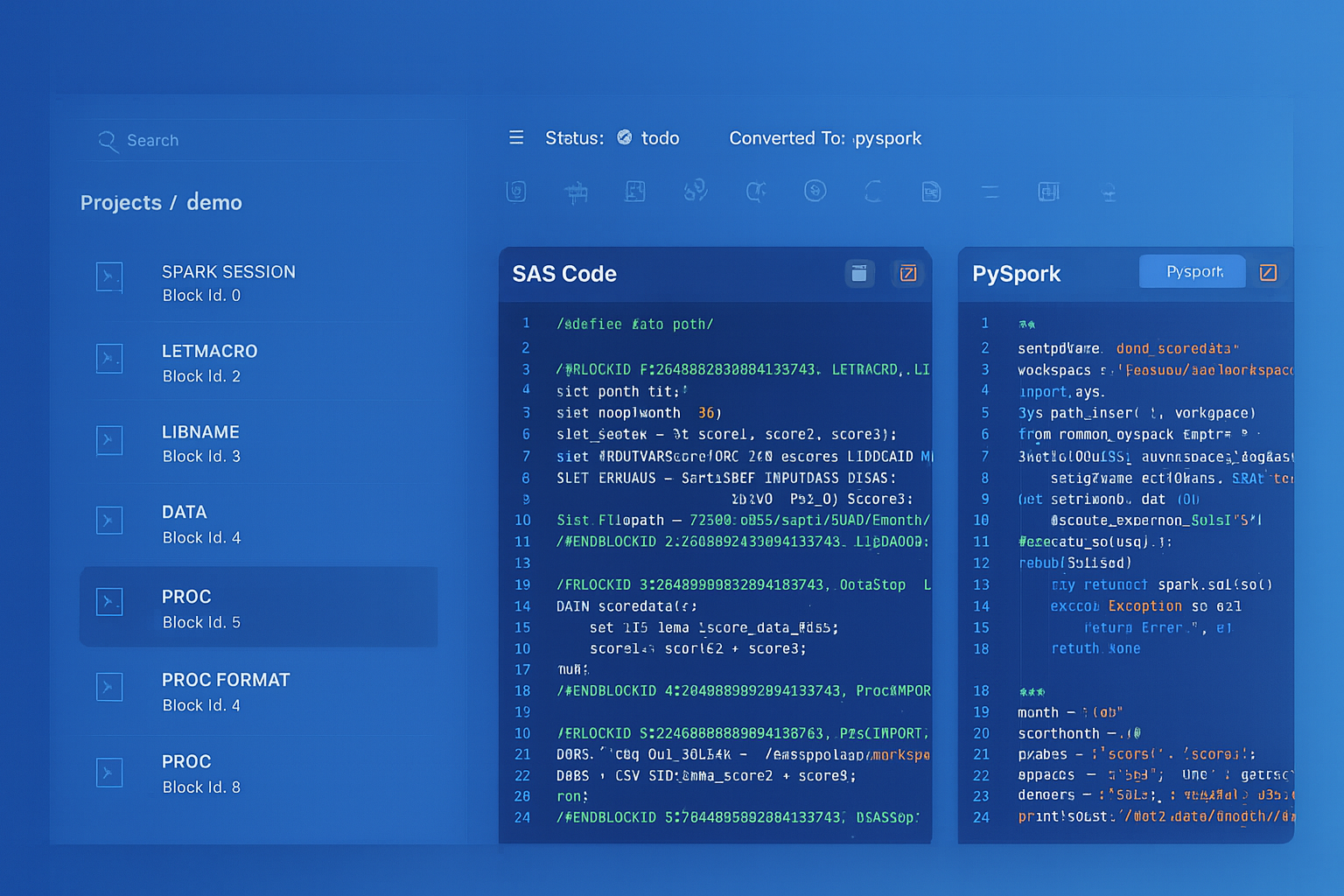
From parsed legacy code to production-ready modern equivalents — MigryX automates the entire conversion pipeline
From Legacy Complexity to Modern Clarity with MigryX
Legacy ETL platforms encode business logic in visual workflows, proprietary XML formats, and platform-specific constructs that are opaque to standard analysis tools. MigryX’s deep parsers crack open these proprietary formats and extract the underlying data transformations, business rules, and data flows. The result is complete transparency into what your legacy code actually does — often revealing undocumented logic that even the original developers had forgotten.
Key Challenges in SSIS Migration
The SSIS Expression Dialect
SSIS uses a proprietary expression language with type casting syntax, string functions, and conditional operators that have no direct equivalents in modern platforms.
Script Tasks: The .NET Black Box
Script Tasks contain arbitrary C# or VB.NET code compiled against the SSIS runtime. They might call web APIs, manipulate files, perform regex transformations, or implement complex business logic. There is no automated shortcut here—each Script Task must be analyzed and rewritten in Python. The good news is that Script Tasks typically represent 5–15% of total package logic; the bad news is that they often contain the most critical business rules.
Package Configurations Across Environments
A single SSIS solution might use XML configuration files for development, SQL Server table configurations for staging, and SSIS catalog environment variables for production. The migration must consolidate these into a single configuration strategy on the target platform—typically environment variables, Airflow connections, or dbt profile targets.
Error Handling and Event Handlers
SSIS packages can define event handlers at the package, container, or task level. OnError, OnWarning, OnPreExecute, and OnPostExecute handlers add logic that runs in response to pipeline events. These must be translated to try/except blocks, Airflow callbacks, or logging middleware in the target platform.
How MigryX Parses .dtsx Packages
MigryX’s SSIS parser reads .dtsx XML files and constructs a complete model of the package: control flow task graph, data flow component graph, connection managers, variables, expressions, and package configurations. MigryX resolves the complex internal reference system within SSIS packages, producing a fully connected representation ready for conversion.
For data flow components, MigryX extracts the full column-level lineage: which source columns feed into which transformations, how derived columns are computed, where lookups merge data, and how conditional splits route rows. This lineage map drives both code generation and validation—every column in the target pipeline can be traced back to its SSIS source.
The engine supports SSIS 2012, 2014, 2016, 2017, 2019, and 2022 package formats, handling the XML schema differences across versions automatically.
Migration Strategy and Parallel-Run Validation
SSIS migration is best executed in waves, not as a big bang. Here is the phased approach that minimizes risk:
Wave 1: Inventory and Dependency Mapping
Parse every .dtsx file in the SSIS catalog or solution directory. Build a complete inventory: package name, task count, data flow complexity, connection targets, Script Task presence, and inter-package dependencies (Execute Package Tasks). Rank packages by complexity and business criticality to prioritize the migration backlog.
Wave 2: Connection and Infrastructure Setup
Before converting any logic, establish the target infrastructure: Databricks workspace or Snowflake account, Airflow instance, secret management for credentials, and data connectivity. Map every SSIS connection manager to its target equivalent and validate connectivity.
Wave 3: Automated Conversion
Run automated conversion on the package inventory. Each package’s control flow becomes an Airflow DAG (or equivalent orchestration definition). Each data flow becomes a PySpark job, dbt model, or Snowpark procedure. SSIS expressions are translated to PySpark column expressions or SQL syntax.
Wave 4: Manual Review and Script Task Rewrite
Review the automated output for correctness. Rewrite Script Tasks in Python. Refine edge cases where SSIS behavior differs from the target platform (null handling, implicit type conversions, error row disposition).
Wave 5: Parallel Run
Execute both the original SSIS packages and the converted pipelines against the same source data. Compare outputs at every stage: row counts, column checksums, and sample-level record comparison. Track discrepancies and resolve them before cutover.
Never trust a migration that has not been validated with a parallel run. The gap between “the code looks right” and “the data matches” is where the most dangerous bugs live.
Wave 6: Cutover and Decommission
Switch production orchestration from SQL Server Agent to Airflow. Monitor the converted pipelines through one full business cycle (daily, weekly, monthly). Once stability is confirmed, decommission the SSIS infrastructure and reclaim the associated licensing and compute costs.
SSIS migration is a significant effort, but the payoff is equally significant: cloud-native scalability, modern development workflows, reduced licensing costs, and a data platform that can evolve with your business. The key is to approach it systematically—with thorough inventory, automated conversion, and relentless validation.
Why MigryX Is the Only Platform That Handles This Migration
The challenges described throughout this article are exactly what MigryX was built to solve. Here is how MigryX transforms this process:
- Deep AST parsing: MigryX’s custom-built parsers achieve 95% accuracy on every supported legacy technology — not through approximation, but through true semantic understanding.
- Merlin AI augmentation: Where deterministic parsing reaches its limit, Merlin AI resolves ambiguities and implicit behaviors, pushing accuracy to 99%.
- Complete coverage: MigryX supports 25+ source technologies including SAS, Informatica, DataStage, SSIS, Alteryx, Talend, ODI, Teradata, and Oracle PL/SQL.
- End-to-end automation: From parsing to conversion to validation — MigryX automates the entire pipeline, not just one step.
MigryX combines precision AST parsing with Merlin AI to deliver 99% accurate, production-ready migration — turning what used to be a multi-year manual effort into a streamlined, validated process. See it in action.
Ready to modernize your legacy code?
See how MigryX automates migration with precision, speed, and trust.
Schedule a Demo